
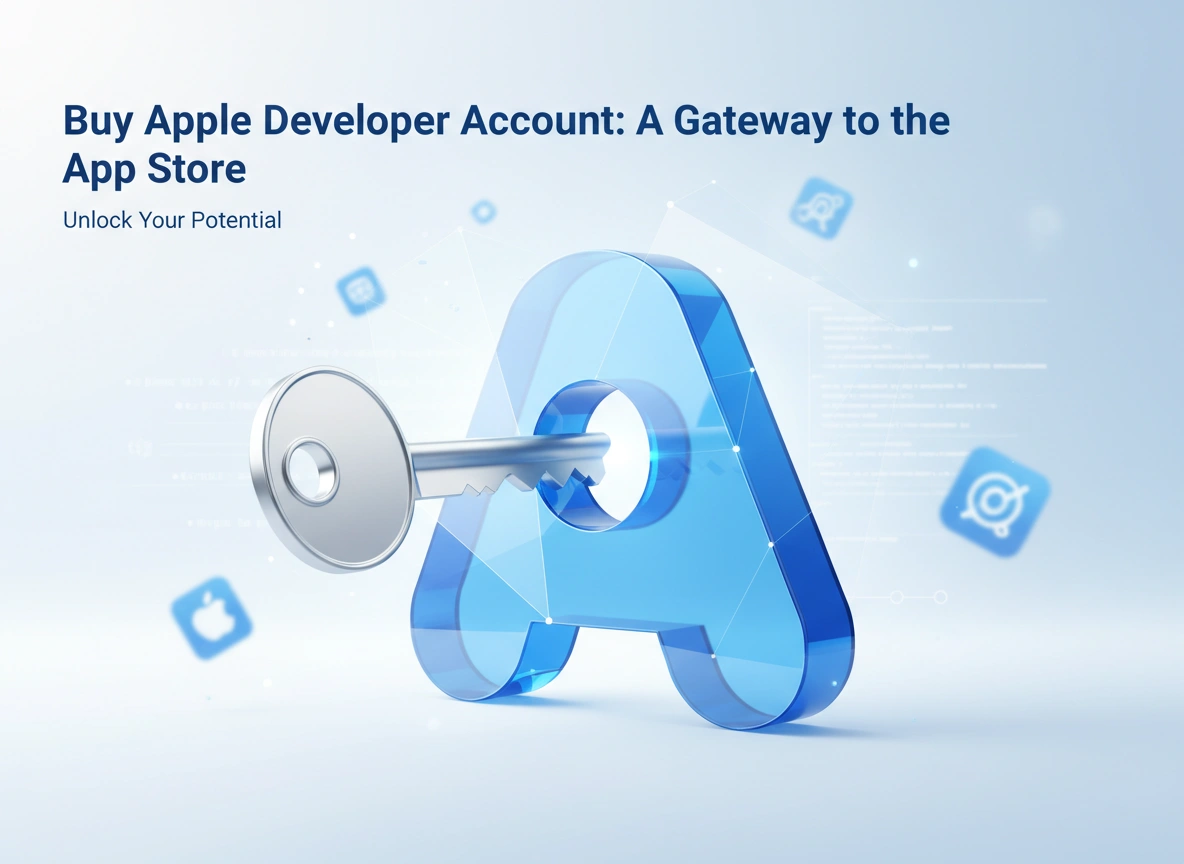
Creating an app is only the first part of a long journey. The real challenge—and the ultimate goal—is getting that app into the hands of users. For iOS, iPadOS, macOS, watchOS, and tvOS applications, there is one primary destination: the App Store. But before you can upload a single line of code or publish your first build, you need a key to unlock the door. That key is the Apple Developer Account.
Purchasing this account is more than just a transaction; it is a commitment to quality and a formal entry into one of the most lucrative digital ecosystems in the world. Whether you are an individual hobbyist or a large enterprise, this account is the fundamental infrastructure required to distribute your software to Apple’s vast user base. This guide will walk you through why this account matters, how to secure one, and how to leverage it for maximum success.
Understanding the Apple Developer Program
The Apple Developer Program is a comprehensive suite of tools and resources provided by Apple to help developers build, test, and distribute apps. While you can download Xcode and write code for free using a basic Apple ID, you cannot distribute that software on the App Store without a paid membership.
Why is this gatekeeping in place? Apple maintains a high standard for security, privacy, and quality. The membership fee—currently $99 USD per year for individuals and organizations—serves as a vetting mechanism. It ensures that those publishing apps are serious entities or individuals willing to adhere to strict guidelines.
Once you buy Apple Developer Account, you aren’t just buying “upload rights.” You are gaining access to the backend machinery of the App Store. This includes TestFlight for beta testing, CloudKit for storage, Game Center for social gaming, and advanced analytics to track your app’s performance. It is the professional license required to operate within Apple’s walled garden.
Step-by-Step Guide: How to Buy Your Account
Securing your developer account is a straightforward process, but it requires attention to detail. Apple’s verification process is rigorous to prevent fraud and maintain store integrity.
1. Prepare Your Prerequisites
Before you start the enrollment process, ensure you have the following:
- An Apple ID: It is highly recommended to create a separate Apple ID specifically for your development work, keeping it distinct from your personal iCloud account.
- Two-Factor Authentication (2FA): Apple requires 2FA to be enabled on the Apple ID you use for the program. This adds a necessary layer of security.
- D-U-N-S Number (For Organizations): If you are enrolling as a company, non-profit, or government entity, you will likely need a D-U-N-S Number from Dun & Bradstreet to verify your legal status. Individuals do not need this.
2. Download the Apple Developer App
While you can enroll via the web, the easiest and fastest way to enroll is currently through the Apple Developer app on an iPhone or iPad. It streamlines identity verification.
- Download the app from the App Store.
- Sign in with your dedicated Apple ID.
3. Start Enrollment
Navigate to the “Account” tab within the app and tap “Enroll Now.” You will be prompted to select your entity type.
- Individual/Sole Proprietor: Your personal name will appear as the seller on the App Store. This is the fastest route as it requires less documentation.
- Organization: Your company name will appear as the seller. This requires legal entity verification (D-U-N-S Number) and verification that you have the legal authority to bind the organization to agreements.
4. Verify Your Identity
You will need to enter your personal information exactly as it appears on your government-issued ID. If enrolling via the app, you may be asked to scan your driver’s license or passport and take a selfie for biometric verification. This step is crucial for preventing identity theft.
5. Payment and Activation
Once your identity (and organization status, if applicable) is verified, you will be prompted to pay the annual membership fee. This is usually processed as an auto-renewable subscription through your Apple ID.
After payment, activation can be instant, or it may take up to 48 hours if manual review is required. Once you receive the welcome email, you have officially bought your ticket to the App Store.
The Powerful Benefits of Membership
The $99 annual fee might seem like a hurdle for new developers, but the return on investment is substantial when you consider the access it grants.
Global Distribution
The most obvious benefit is distribution. Your account allows you to publish apps to customers in 175 regions. Apple handles the payment processing, currency conversion, and tax collection for you. You gain instant access to over a billion active devices worldwide.
Beta Testing with TestFlight
Before you launch, you need to test. Your developer account grants you access to TestFlight, arguably the best beta testing platform in the mobile industry.
- Internal Testing: Distribute builds to up to 100 members of your team immediately.
- External Testing: Invite up to 10,000 external users to test your app simply by sending them an email link or a public link. This feedback loop is invaluable for polishing your user experience (UX).
Advanced Capabilities and Services
Membership unlocks specific capabilities that free accounts cannot use. These include:
- SiriKit and Shortcuts: Integrate your app with voice commands.
- Apple Pay: Process secure payments within your app.
- Push Notifications: Send timely alerts to engage users even when the app is closed.
- iCloud Storage: Sync user data across devices seamlessly.
Developer Support
You aren’t coding alone. Membership includes access to Apple’s technical support engineers. You generally receive two Technical Support Incidents (TSIs) per membership year. If you hit a code-level breaking point that you cannot solve, you can ask an Apple engineer for help.
Maximizing Your Developer Account
Buying the account is just the start. To get your money’s worth, you need to actively use the resources provided.
Utilize App Analytics
Don’t fly blind. App Store Connect (the web dashboard you get access to) provides deep analytics. You can see how many times your app appeared in search, how many product page views converted to downloads, and crash data. Use this data to optimize your App Store Optimization (ASO) strategy. If views are high but downloads are low, your screenshots or description may need work.
Stay Updated with Beta OS Releases
Your account lets you download beta versions of iOS, macOS, and other operating systems months before the public sees them. Install these on dedicated test devices. This gives you a critical head start to ensure your app doesn’t break when the new OS launches in the fall. It also allows you to implement new features (like new widgets or Dynamic Island capabilities) on day one, increasing your chances of being featured by Apple.
Engage with the Community
Use the Apple Developer Forums. Your account gives you posting privileges in a community filled with Apple engineers and fellow developers. It is a rich resource for troubleshooting and networking.
Renew Strategically
If you are working on a long-term project and aren’t ready to release, you might wonder if you need to keep paying. You generally do. If your membership expires, your apps are removed from the App Store (though they remain on users’ devices). Keep auto-renew on to avoid accidental delisting, which can kill your app’s momentum and search ranking.
Conclusion
When you buy an Apple Developer Account, you are making a professional investment in your future as a creator. It is the bridge between a project stored on your local hard drive and a product used by people around the world.
While the cost and the verification steps can feel daunting, they provide access to a secure, premium marketplace that users trust implicitly. The tools included—from TestFlight to detailed analytics—empower you to build better software and reach a global audience. Whether you are launching the next hit game or a productivity tool for niche professionals, the Apple Developer Account is your essential gateway to the App Store economy.