
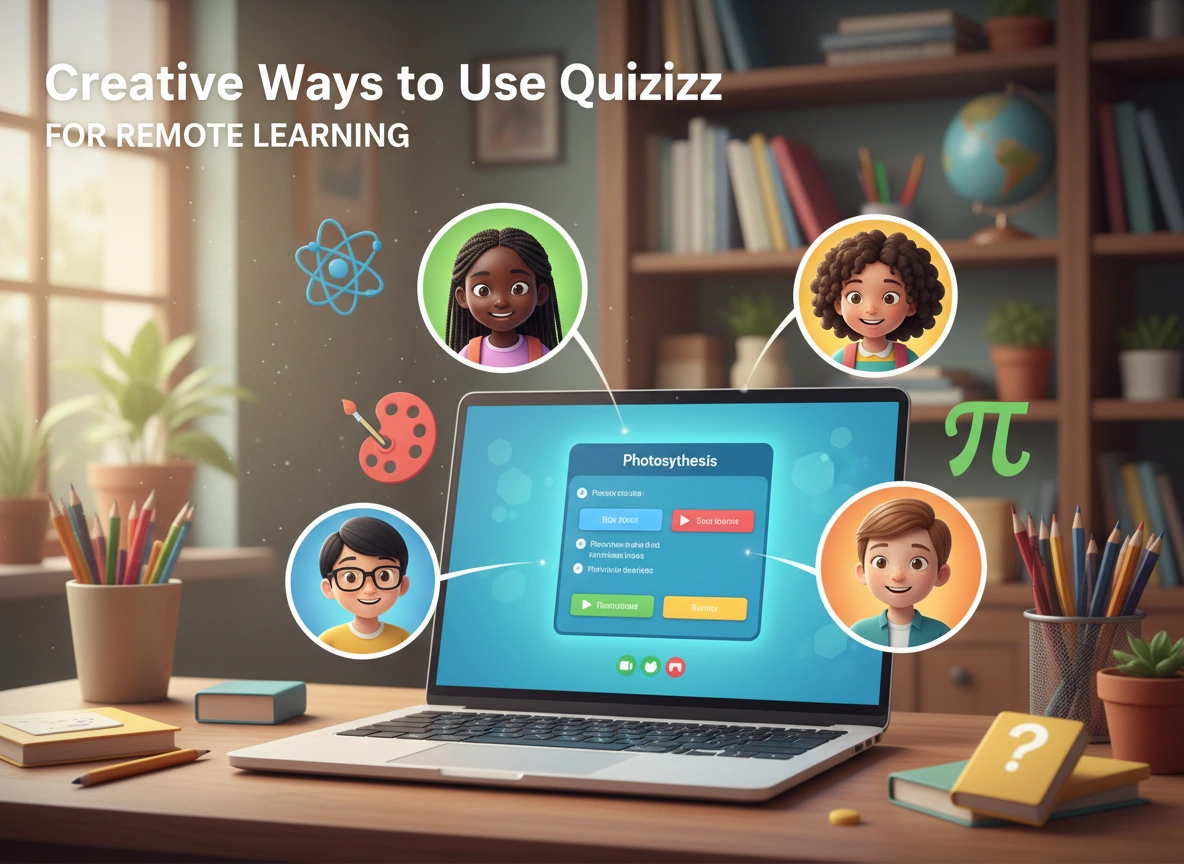
The shift to remote and hybrid learning environments challenged educators to find tools that do more than just digitize worksheets. Teachers need platforms that spark engagement, facilitate real-time feedback, and build community across digital divides. Quizizz has emerged as a powerhouse in this arena, offering far more than simple multiple-choice assessments.
While many educators use Quizizz for review games, its robust feature set allows for much deeper pedagogical applications. By thinking outside the standard “test review” box, you can transform this platform into a dynamic engine for remote instruction.
Here are innovative and creative ways to leverage Quizizz to enhance your remote teaching strategy.
Beyond the Basic Review: Reimagining Assessment
Assessment in a remote setting often feels transactional. Students log in, click answers, and log out. Quizizz allows you to disrupt this pattern by changing how and why you assess.
1. The “Blind” Pre-Assessment
Instead of using Quizizz at the end of a unit, use it at the very beginning. Create a “blind” quiz where students aren’t expected to know the answers yet.
- How it works: Create questions that introduce key concepts or vocabulary you are about to teach.
- The benefit: This activates prior knowledge and piques curiosity. When a student guesses incorrectly, they often become more invested in finding out the right answer during the subsequent lesson. It also gives you immediate data on misconceptions before you even start teaching.
- Remote tip: Run this in “Instructor-Paced” mode during a live Zoom or Google Meet session. Pause after every question to discuss why the answer is what it is. This turns a test into a guided discovery lesson.
2. Student-Created Quizzes as Summative Assessment
One of the highest forms of understanding is the ability to teach a concept to someone else. Instead of you writing the quiz, assign the creation process to your students.
- The strategy: Ask students to create a 5-10 question Quizizz on the week’s topic. They must provide incorrect options (distractors) that are plausible, which requires a deep understanding of the material.
- Implementation: Have students submit their links to you. You can then curate the best questions into a “Master Class Quiz” that the whole group plays at the end of the week.
- Why it works: It shifts students from passive consumers of content to active creators. In a remote setting, this gives them a sense of ownership and contribution to the class community.
Synchronous Engagement Strategies
Keeping cameras on and attention focused is the eternal struggle of remote teaching. Quizizz offers features that can serve as an anchor for live instruction.
3. The “Pulse Check” Do-Now
Start your remote class with a fast, low-stakes Quizizz to gauge emotional and academic readiness.
- Mix it up: Include 2-3 questions about the previous night’s homework, followed by non-academic “pulse check” questions using the Poll feature.
-
- Example: “On a scale of 1-5, how confident do you feel about today’s topic?” or “What is your energy level right now?”
- The impact: This provides instant entry into the lesson. It signals to students that class has started and their participation is required immediately, but in a low-pressure way. The poll data helps you adjust your pacing for the day.
4. Interactive Direct Instruction (The “Lesson” Mode)
Many users overlook the “Lesson” feature in Quizizz, which functions similarly to Nearpod or Peardeck. You can import your slides and embed questions directly between them.
- The workflow: Upload your slide deck into Quizizz. Insert a question every 3-4 slides to check for understanding.
- Engagement boost: In a remote setting, students often zone out during a 20-minute lecture. By forcing interaction every few minutes, you ensure they are following along. If the data shows 50% of the class missed a concept on slide 4, you know to re-teach it immediately before moving to slide 5.
Asynchronous Learning and Homework
Asynchronous time is often where students feel most isolated. You can use Quizizz to provide support even when you aren’t there.
5. Redemption Quizzes for Mastery
The goal of learning is mastery, not just a grade. Use the “Redemption Question” feature to encourage resilience.
- The setup: When assigning a homework quiz, enable the setting that allows students to retry incorrect questions at the end of the game.
- Gamifying improvement: Set a challenge: “Anyone who gets 100% on their first or second attempt gets a shout-out.” This encourages students to actually review their mistakes and try again, rather than accepting a low score and moving on.
- Feedback loop: Use the meme feature creatively. Customize the memes to include your own Bitmojis or class-specific jokes. When a student gets a question wrong during asynchronous work, a funny, encouraging meme from their teacher can soften the blow and make them feel connected to you.
6. The “Audio Response” for Language and Reading
Quizizz allows for audio prompts and audio responses. This is a game-changer for World Language teachers, ESL specialists, and early literacy educators.
- Creative use: Instead of a multiple-choice question, record yourself asking a question in the target language. Ask students to select the correct translation or answer.
- Phonics practice: For younger students, record a sound (e.g., “Which word starts with the ‘ch’ sound?”). Students listen and select the corresponding image. This allows for auditory assessment without needing a live video call.
Building Community and Culture
Remote learning can feel sterile. Quizizz offers a unique opportunity to inject personality and fun into the virtual classroom.
7. The “Friday Fun” Trivia
Dedicate the last 15 minutes of the week to a non-academic quiz.
- Content ideas: Topics can range from pop culture and music to “How well do you know your teacher?” or “Guess the student based on their baby picture.”
- Team mode: Use the “Team” mode feature. Quizizz automatically groups students into teams. Even though they are remote, they are working toward a collective score. This fosters a sense of camaraderie and healthy competition that is often missing in Zoom squares.
8. Parent Engagement Nights
Parents often feel disconnected from remote schooling technologies. Host a “Family Quiz Night” via video conference.
- The event: Invite parents and students to join a live Quizizz game about general trivia or school facts.
- The hidden agenda: This familiarizes parents with the tool their children are using daily. It demystifies the technology and builds a bridge between home and school, all while having fun.
Best Practices for Implementation
To make these creative strategies effective, keep these technical and pedagogical tips in mind:
Data-Driven Grouping
Use the robust reports feature to organize your small groups. If the data shows five students struggled with a specific standard on yesterday’s Quizizz, pull them into a breakout room for targeted intervention while the rest of the class works on an enrichment activity.
Power-Up Management
Quizizz “Power-Ups” (like immunity or 50/50) make the game fun but can skew assessment data.
- Tip: Enable Power-Ups for review games and “Friday Fun” activities to keep engagement high. Disable them for formal assessments or “Lesson” mode to ensure the data accurately reflects student knowledge.
Accessibility
Ensure you enable the “Read Aloud” feature for students who need it. This text-to-speech functionality is crucial for equitable remote learning, ensuring that reading level doesn’t become a barrier to demonstrating content knowledge in science or history.
Conclusion
Quizizz is more than a digital bubble sheet; it is a versatile platform that can adapt to the complex needs of remote instruction. By moving beyond simple review games and utilizing features like audio prompts, student-created content, and interactive lessons, you can transform passive screen time into active, meaningful learning.
The key to successful remote teaching is variety and connection. By integrating these creative strategies, you not only assess learning but also build a vibrant, interactive digital classroom where students are excited to log in and participate.